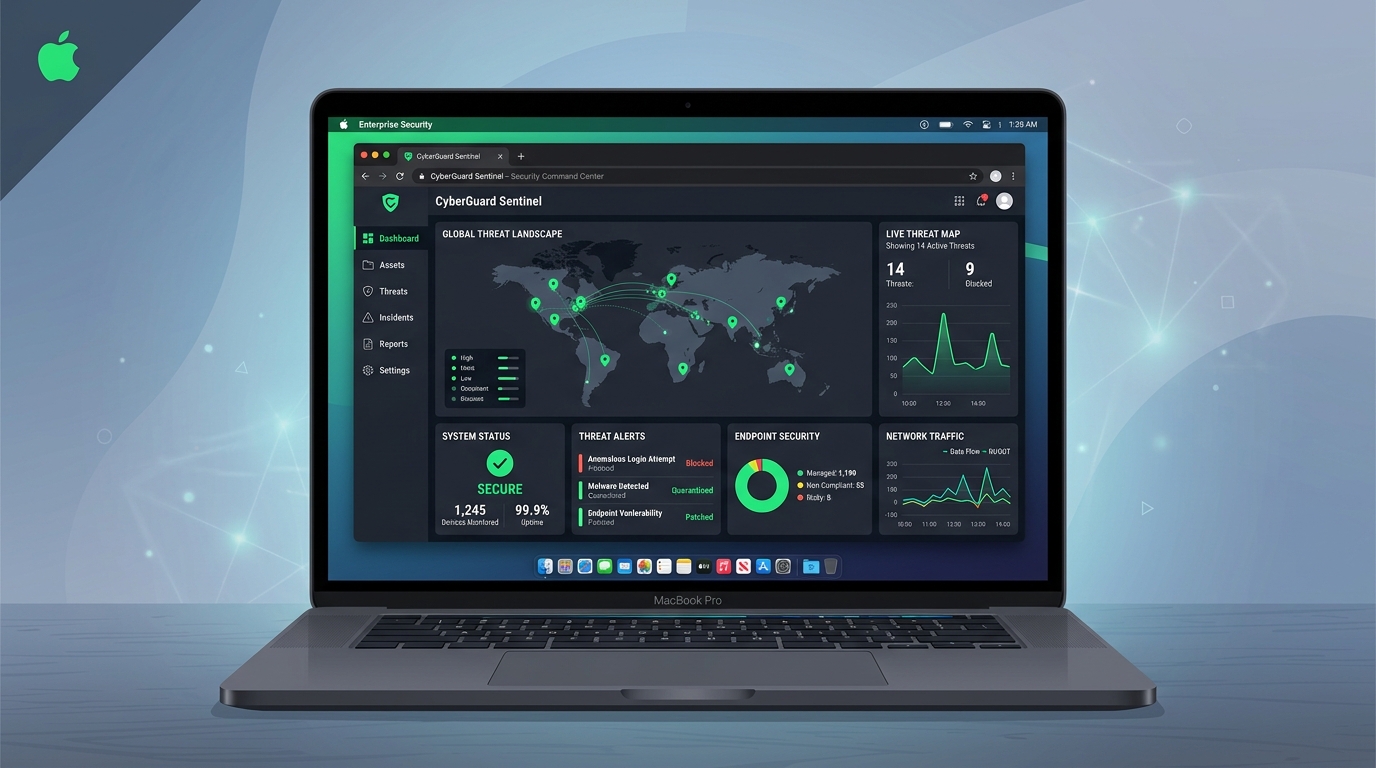
Managing corporate endpoints is one of the most critical aspects of maintaining a secure organization. For businesses managing Apple fleets, Apple Business Essentials (ABE) provides a streamlined, cloud-based Mobile Device Management (MDM) platform designed specifically for small to mid-sized organizations.
In this guide, we will explore how to configure Apple Business Essentials to secure macOS endpoints, enforce baseline configurations, and automate patch management.
1. Automated Device Enrollment (ADE)
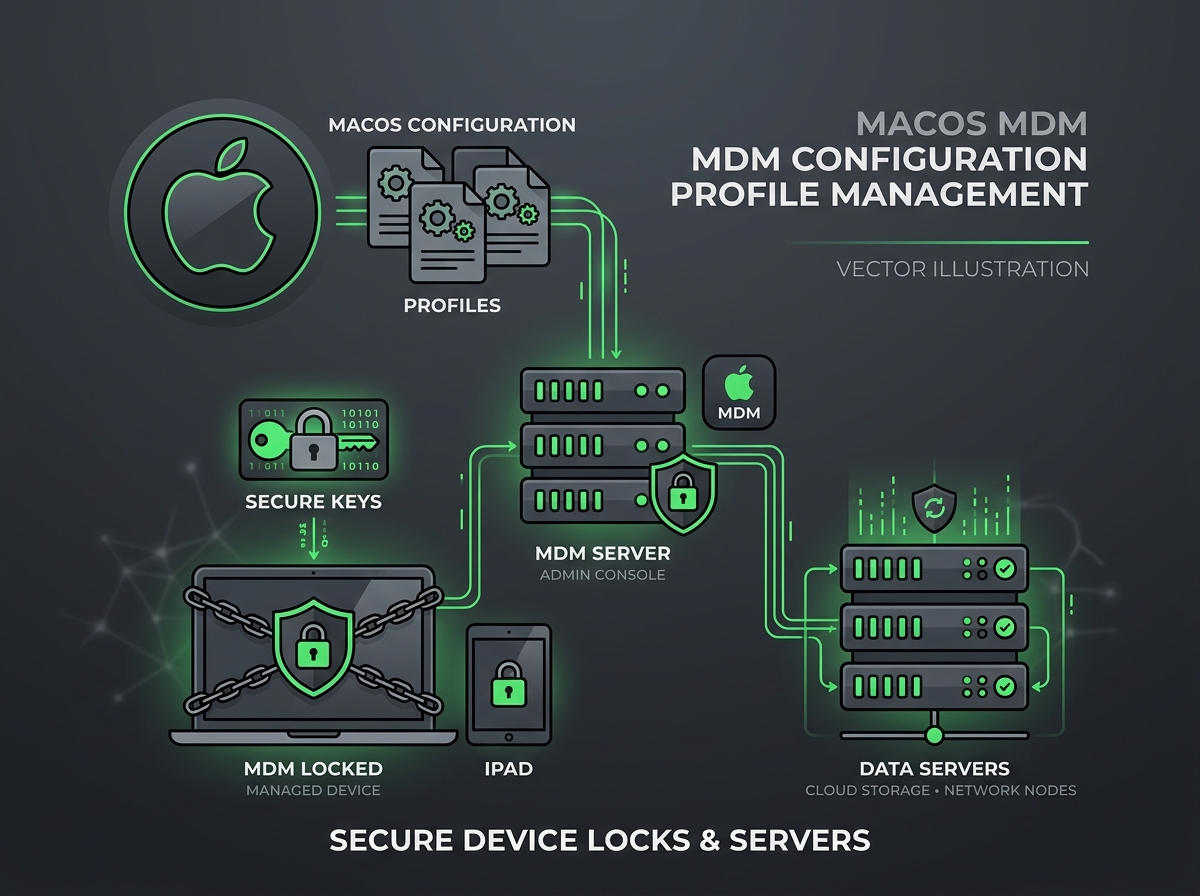
The foundation of secure endpoint management is ensuring that every corporate device is managed from the moment it is powered on. Using Automated Device Enrollment (previously DEP):
- Zero-Touch Deployment: Devices are enrolled automatically when unboxed and connected to Wi-Fi.
- Mandatory Management: Prevent users from bypassing or removing the MDM enrollment profile.
- Setup Assistant Customization: Skip unnecessary configuration screens to speed up onboarding.
2. Enforcing Security Baselines
Once enrolled, the device should immediately receive configuration profiles that enforce the organization’s security posture:
- FileVault Encryption: Enforce full-disk encryption and securely escrow recovery keys.
- Passcode Policies: Mandate alphanumeric passcodes, minimum length, and automatic lock after inactivity.
- Firewall: Enable the built-in macOS application firewall and block unauthorized incoming connections.
- System Settings Restrictions: Restrict access to settings such as Sharing, AirDrop, and USB accessories to limit local attack vectors.
3. Automated Software Updates
Unpatched vulnerabilities are the easiest entry point for attackers. MDM allows you to orchestrate update behaviors:
- Deferrals: Set a temporary buffer (e.g., 7 days) to test major OS updates.
- Forced Install: Remotely trigger and force critical security updates to be installed within a specific deadline.
- Notification: Give users friendly prompts with grace periods before forcing reboots.
Conclusion
Securing macOS endpoints doesn’t require complex command-line scripting if you leverage modern MDM frameworks. By combining Apple Business Essentials with Automated Device Enrollment, you establish a secure, immutable foundation for your corporate fleet.